Notion vs Obsidian (2025) – Which Note-Taking App is Better for You?
When it comes to productivity and note-taking, two tools often dominate the conversation: Notion vs Obsidian. Both have loyal fans and unique strengths, but choosing between them in 2025 can feel overwhelming.
If you’re a student, writer, researcher, or part of a team, the decision between Notion vs Obsidian depends on how you work. In this article, I’ll share a detailed feature-by-feature breakdown, cover real-world use cases, highlight India-specific factors (like internet speed and device performance), and answer common FAQs.
🔥 What’s New in 2025?
- AI writing assistant is now bundled in paid plans
- Offline support on mobile improved
- New project management templates released
- Plugin ecosystem is stronger than ever
- Graph view is faster
- AI search introduced
- Mobile apps got smoother
User trend (India): Many Indian users are leaning towards Obsidian for offline privacy, while students and teams still prefer Notion for collaboration.
🧩 Feature-by-Feature Comparison
1. Note Organization & Structure
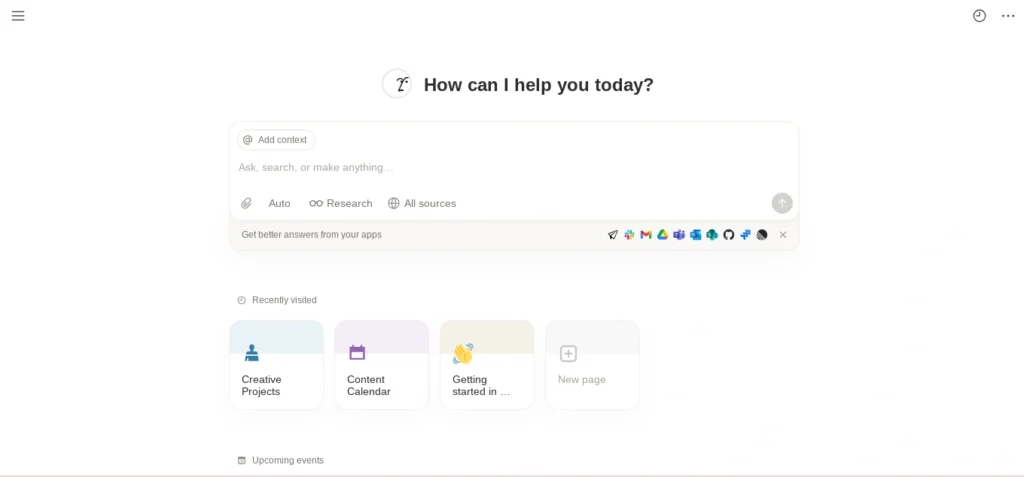
- Notion: Based on blocks. Every element—text, image, table—is a block you can drag and organize visually. Perfect for those who like structure and design.
- Obsidian: Uses plain Markdown files stored locally. Backlinks connect notes into a knowledge graph, making it powerful for research and deep learning.
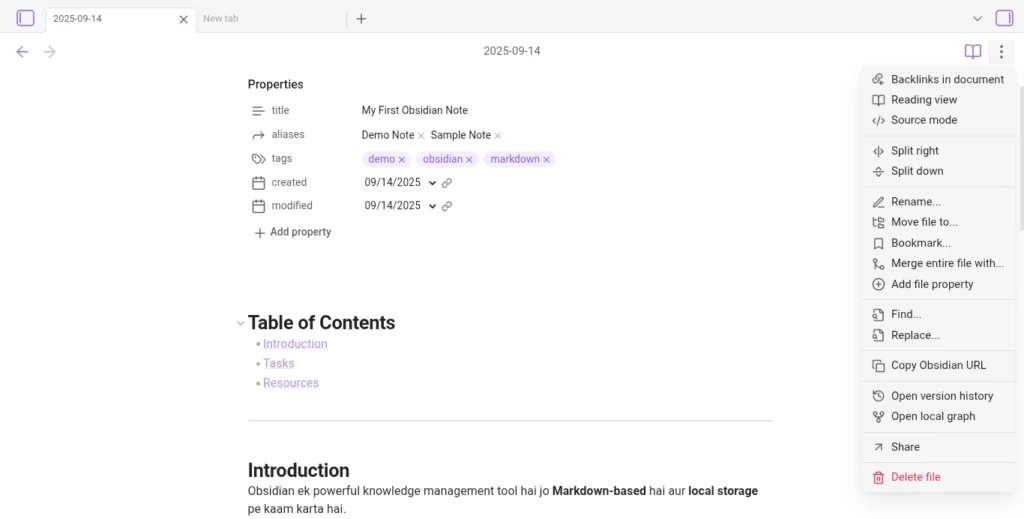
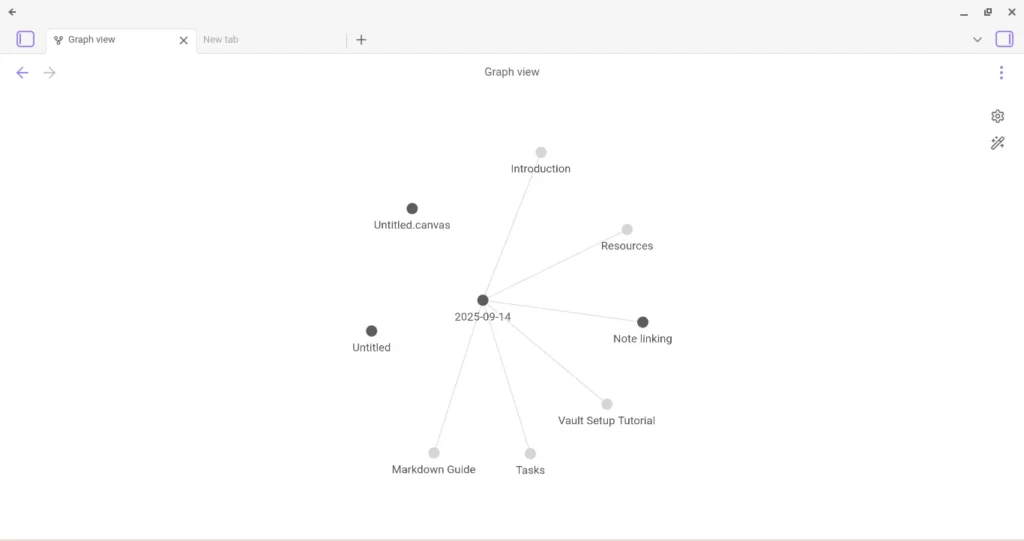
👉 Key insight: In the Notion vs Obsidian debate, organization style is the biggest difference—visual blocks vs plain text with backlinks.
Notion vs Anytype 2025 – Which App Wins on Privacy & Features?
2. Offline Use & Internet Dependency
- Notion: Requires stable internet. Offline mode exists but feels limited, especially if you switch between laptop and mobile often.
- Obsidian: Offline-first. Works perfectly even without internet, and sync is optional (paid).
👉 India-specific point: For students in smaller towns with weak connectivity, Obsidian feels smoother, while Notion struggles without Wi-Fi.
3. Collaboration & Sharing
- Notion: Built for teamwork. Share pages, manage projects, assign tasks, and build team wikis.
- Obsidian: Focused on personal use. Collaboration is possible but requires plugins or third-party tools.
👉 For teams → Notion clearly wins. But for solo learners or writers, Obsidian offers simplicity.
4. Customization & Plugins: Notion vs Obsidian flexibility
- Notion: Thousands of ready-made templates for productivity, students, startups, and personal planning.
- Obsidian: Open plugin ecosystem with deep customization—Kanban boards, flashcards, daily notes, and more.
👉 Example: UPSC aspirants in India often use Obsidian plugins for spaced repetition, while college students prefer Notion templates for class timetables.
Best AI Note-Taking Apps for Students (2025)
5. User Experience (UI/UX)
- Notion: Beginner-friendly, clean interface, drag-and-drop comfort.
- Obsidian: Technical at first (Markdown learning curve), but highly rewarding once you adjust.
👉 For beginners: Notion feels easier, while Obsidian suits power users.
6. Pricing (2025)
- Notion: Free plan with generous limits. Plus plan: $8/month (₹650 approx). Business/Enterprise options available.
- Obsidian: Free for personal use. Sync add-on: $8/month. Publish add-on: $16/month.
👉 For Indian users: Obsidian is the cheaper long-term option if you don’t need cloud sync, while Notion is better value for teams.
7. Security & Privacy
- Notion: Cloud-based, which means your notes are stored on their servers. Not end-to-end encrypted.
- Obsidian: Local storage by default. Only you control your data.
👉 If privacy is your priority, Obsidian wins in the Notion vs Obsidian battle.
8. Data Migration
- Notion: Exports are possible but not always clean, and formats can feel bulky.
- Obsidian: Plain Markdown notes that are portable and future-proof.
👉 Obsidian is better for long-term “digital legacy.”
🎯 Real-World Use Cases
Students
- Notion → Great for group assignments, shared study notes, and project tracking.
- Obsidian → Best for solo study, research, and linking concepts.
Writers & Researchers
- Obsidian → Ideal for knowledge management (Zettelkasten system, backlinks).
- Notion → Works for drafting and collaborating with editors.
Teams & Startups
- Notion → Combines docs, tasks, and wikis in one workspace.
- Obsidian → Not designed for heavy collaboration.
👍 Pros & Cons Quick Table
| Feature | Notion | Obsidian |
|---|---|---|
| Offline Support | ❌ Limited | ✅ Full |
| Collaboration | ✅ Strong | ❌ Weak |
| Learning Curve | ✅ Easy | ⚠️ Steeper |
| Pricing | Affordable for teams | Free for individuals |
| Privacy | Cloud-based | Local-first |
| Customization | Templates | Plugins & Themes |
| Best For | Teams, beginners | Writers, researchers |
🏆 Final Verdict – Notion vs Obsidian
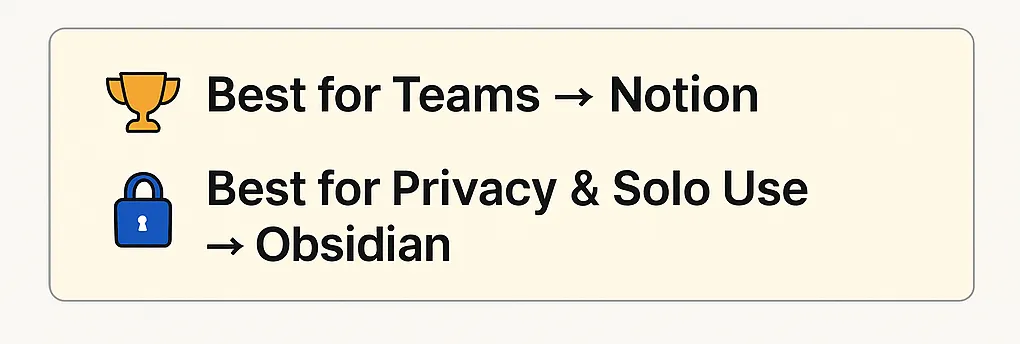
Choose Notion if you: work in teams, need templates, or want an all-in-one workspace.
Choose Obsidian if you: prefer offline use, want privacy, or need a powerful research tool.
👉 In simple words: Notion is social, Obsidian is personal.
📌 Key Takeaways
- Notion vs Obsidian is not about one being better than the other—it depends on your needs.
- Notion = Easy, team-friendly, cloud-based.
- Obsidian = Private, offline, and highly customizable.
- For India: Obsidian shines in low-internet areas, Notion excels in cities and team projects.
✅ Conclusion
Both Notion and Obsidian are excellent tools in 2025.
- If you’re solo and value privacy, Obsidian will serve you for years.
- If you thrive in teams or want polished, ready-to-use templates, Notion is a better choice.
💡 The real secret? Start using one today. Productivity isn’t about the tool—it’s about consistency.
❓ FAQs

Q1: What does Obsidian do better than Notion?
In the Notion vs Obsidian debate, Obsidian clearly wins in offline usage, privacy, and long-term note storage. Since Obsidian stores notes as plain Markdown files on your device, it’s more secure and works smoothly without internet, which Notion still struggles with.
Q2: Which is faster, Notion or Obsidian?
When comparing Notion vs Obsidian, Obsidian is usually faster because it runs locally and doesn’t depend on cloud servers. Notion can feel slower on older laptops or weak internet connections, while Obsidian opens instantly.
Q3: Why did some users stop using Notion?
Many people switch from Notion to Obsidian because of internet dependency and privacy concerns. In the Notion vs Obsidian comparison, those who value offline-first notes, faster performance, and complete data ownership often prefer Obsidian.
Q4: Does Obsidian need internet?
No, it’s offline-first and works smoothly without Wi-Fi.
Q5: Which is lighter on low-end devices?
Obsidian. Notion may lag on older laptops or phones.
Q6: Which is better for Indian students?
Obsidian → Solo study (privacy + offline)
Notion → Shared projects
Q7: What is Obsidian AI vs Notion AI?
Both apps have added AI features recently. Notion AI helps with writing, summarizing, and brainstorming inside your workspace. Obsidian AI, introduced through plugins, focuses more on smart search, connecting ideas, and knowledge management. In Notion vs Obsidian AI, Notion is better for productivity tasks, while Obsidian AI suits researchers and deep thinkers.
1 thought on “Notion vs Obsidian (2025) – Best Comparison for Students, Writers & Teams”